For thirty years, enterprise software has been sold through its screens. Agents are changing that. When software is used by something other than a person, the interface stops being the product.
The signal from Dreamforce
At Dreamforce 2026, Salesforce unveiled AIforce, a new AI interface layer, and Headless 360, which lets users reach Salesforce software without its traditional user interface. The company frames both as part of an Enterprise AI Harness that combines data, business knowledge, workflows and control so agents can understand and act on business processes.
Analysts read this as more than a product launch. Their argument is that agents are forcing a rebuild of the entire enterprise stack, from applications and interfaces down through security and infrastructure.
What “headless” actually means
A headless system separates what software can do from how someone reaches it. The capabilities stay: data, logic, workflows, permissions. The screen becomes optional. A person can still use one, but an agent can call the same capabilities directly, with no clicking through tabs and forms.
This does not mean people disappear. Humans still review, approve and handle exceptions. It means the screen becomes one client among many, and increasingly not the busiest one.
Why it is happening now
Agents act instead of answering. An agent that files an invoice, resolves an incident or onboards an employee does not need a dashboard; a dashboard only slows it down. Adoption is moving fast: one widely cited forecast expects 40% of enterprise applications to embed task-specific agents by the end of 2026, up from under 5% in 2025.
Once agents are the heaviest users of your software, designing every capability around a human clicking a button starts to look like a design flaw.
What breaks when the screen goes away
- Fragmentation. If every vendor ships its own agent layer, you get a new set of silos. Each harness understands its own data well and little else.
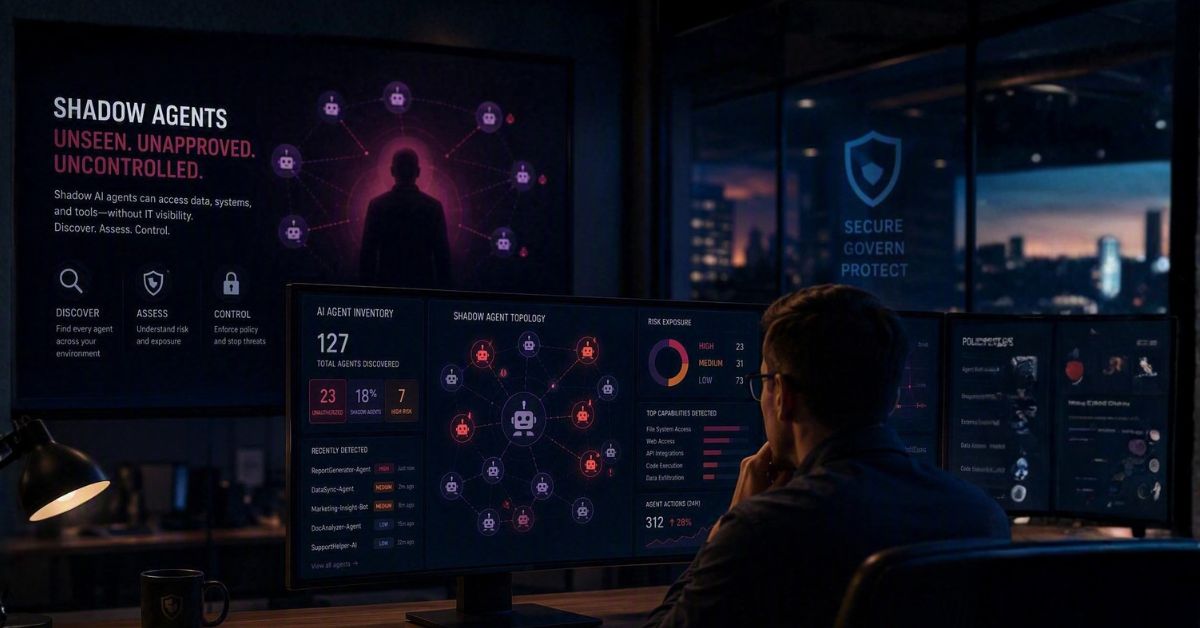
- Fewer natural checkpoints. Screens forced people to see what was happening. Without them, oversight has to be designed in on purpose.
- Invisible work. When agents act across systems, no single application shows the whole process. Someone still has to answer, “What happened, and why?”
A vendor’s harness covers that vendor’s data. Your processes run across all of them.
Where the value moves: the orchestration layer
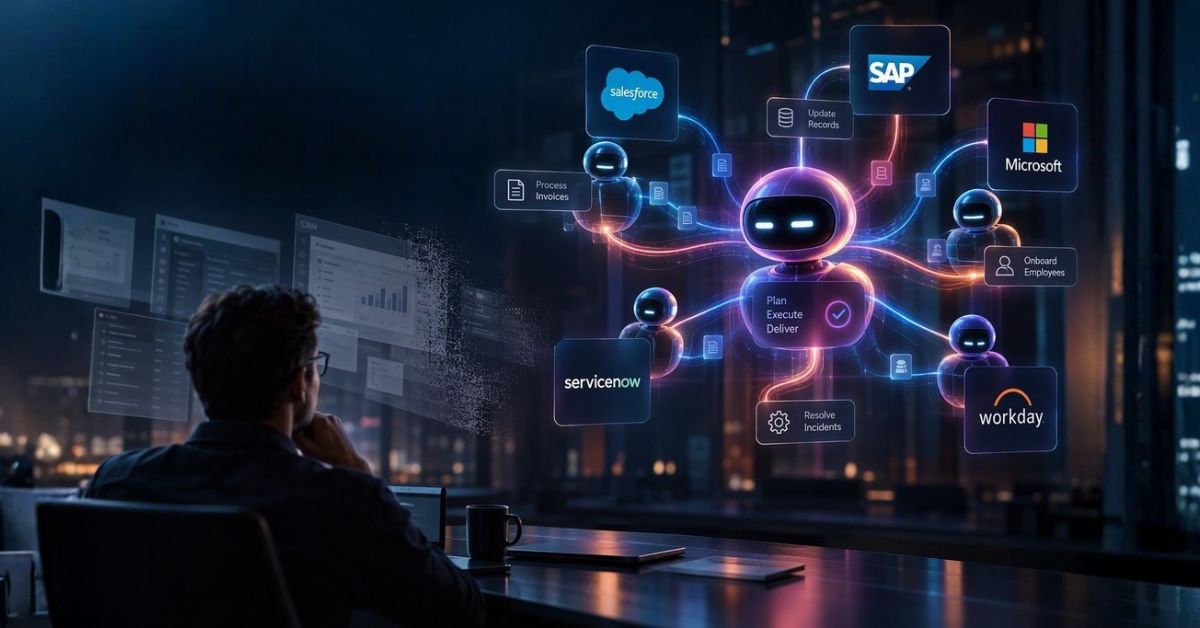
Real business processes cross system boundaries. Invoice-to-pay touches ERP, procurement and approvals. Employee onboarding touches HR, IT and finance. Headless access from each vendor makes those systems easier to reach, but it does not coordinate them.
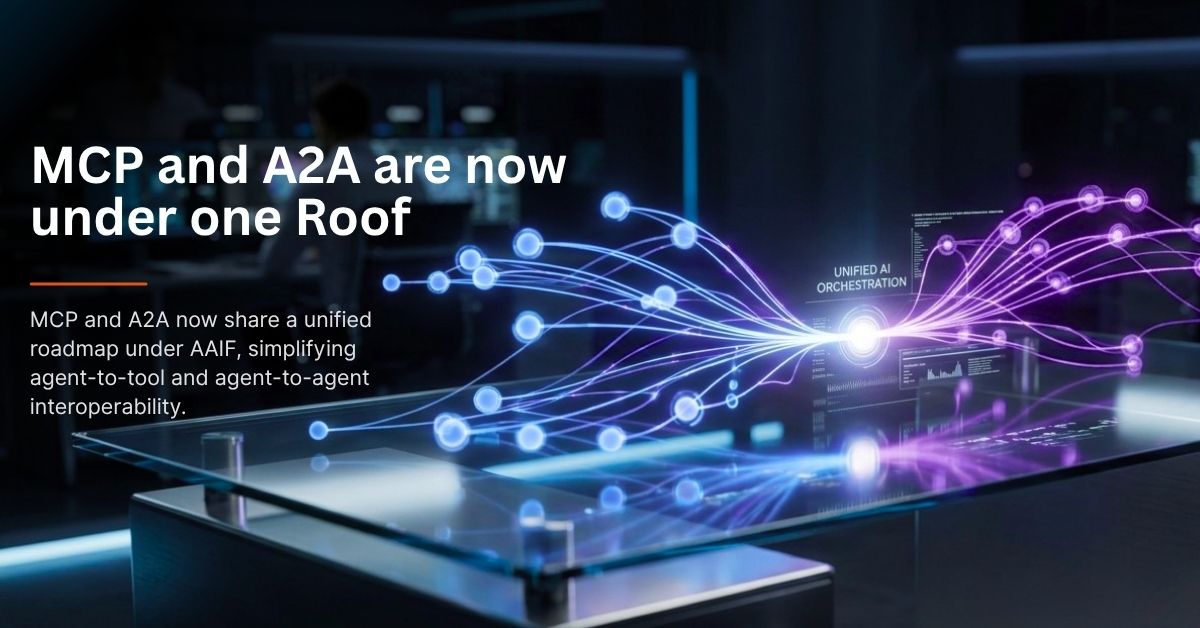
That coordination job sits in a layer that is neutral across vendors: it turns a goal into a process, routes work to the right agent and model, enforces controls, and records every decision. As applications lose their screens, this layer is where an enterprise keeps its control.
How OnClik fits
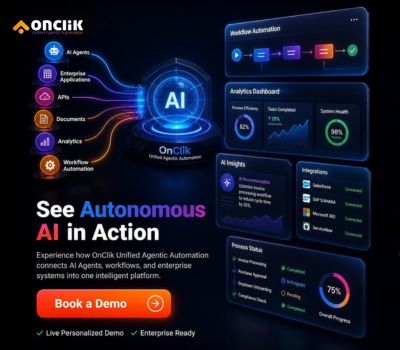
OnClik Unified Agentic Automation was built for this layer. You describe a goal in natural language, Cortex grounds it in your data, and a processflow is generated for you to review before autonomous agents run it across your systems. Integrations span SAP, Microsoft, Salesforce, ServiceNow, Workday and the major clouds. The design is model-agnostic, so you can switch models as the market moves, and governance, monitoring and audit are part of the platform rather than an add-on.
Getting started
- Pick one cross-system process. Choose a workflow that already spans two or three applications, such as invoice-to-pay or employee onboarding.
- Map the capabilities, not the screens. List what the process needs from each system as actions and data, then check which are available through APIs.
- Set autonomy and controls up front. Decide which steps an agent can complete alone, which need approval, and what gets logged.
The bottom line
Headless does not mean the end of software interfaces. It means interfaces stop being where the work happens. The enterprises that benefit most will be the ones that treat orchestration, governance and observability as first-class parts of the stack while the screens fade into the background.