Why This Matters for Enterprise Finance Teams
The financial close is one of the most resource-intensive processes in any enterprise. According to research from Ventana Research, over 60% of finance teams still rely on manual spreadsheet consolidation during the close cycle. The average mid-market close takes 6 to 10 business days. Errors introduced in that process can take weeks to surface.
The promise of automation in finance has been circulating for a decade. Yet most enterprises are still stuck in the same loop: RPA bots that scrape data and then fail when a field name changes, workflow tools that only handle the easy 70% of the process and abandon you when exceptions appear, and AI copilots that generate suggestions but cannot actually execute anything.
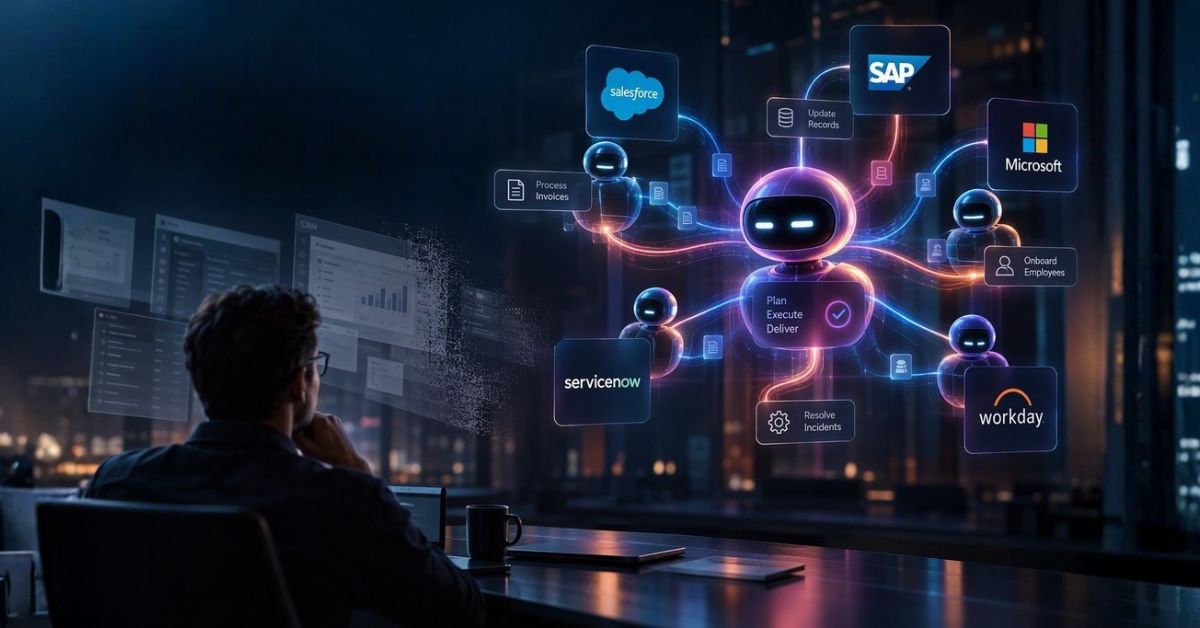
Agentic automation is a different category entirely. It is not faster RPA. It is not a smarter chatbot. It is a coordinated system of AI agents that can plan, reason across data sources, adapt to exceptions, and deliver an outcome autonomously. The financial close is one of the clearest illustrations of what that actually means in practice.
The Old World: How Financial Close Used to Work
Before we trace the anatomy of an agentic workflow, it helps to name what it replaces. The traditional month-end close is a choreography of manual handoffs. An accountant pulls a trial balance from the ERP. A second team member reconciles intercompany transactions in a shared spreadsheet. Someone emails the FP&A lead asking for accruals. Another person chases the AP team for open purchase orders. A controller reviews everything in a lengthy, version-numbered Excel file.
Each step is both dependent on and disconnected from every other step. When one breaks, the whole chain stalls. Finance teams working in this mode are not doing finance. They are doing coordination. They are spending cognitive effort that should go toward analysis and decision-making on the logistics of moving information between systems that do not talk to each other.
Legacy RPA offered a partial solution: automate the data extraction, automate the transfer. But RPA is brittle. It works until a column moves, a login flow changes, or a new exception type appears. It has no judgment. It has no memory. And it absolutely cannot handle a question like: “This subsidiary has an unexplained variance of $340K in cost of goods. What should we do?”
Traditional automation solves for speed at the process level. Agentic automation solves for outcomes at the business level. The difference is the capacity for judgment under uncertainty, which is exactly what makes the financial close so difficult to automate with conventional tools.
The Anatomy: 7 Stages of an Agentic Financial Close
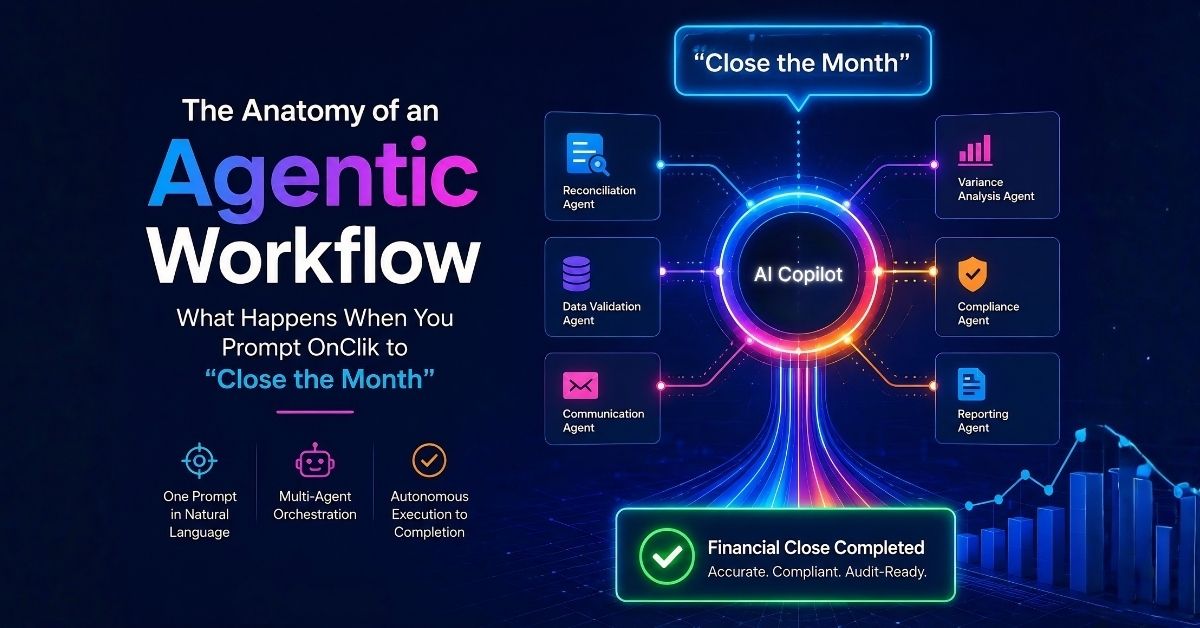
When you type “Close the month for Q2” into OnClik’s Cortex Copilot, here is precisely what happens. Each stage involves one or more specialist AI agents operating within ClikFlows, OnClik’s visual workflow orchestration engine.
Cortex receives your natural language prompt and maps it to a business goal rather than a literal instruction. It cross-references your enterprise context, including your ERP structure, active subsidiaries, accounting calendar, and prior close history, to understand what “close the month for Q2” means in your specific environment. A ClikFlow visual workflow is auto-generated and presented for review before any execution begins.
Data agents fan out simultaneously across connected systems: the ERP (SAP, Oracle, Microsoft Dynamics, or any connected instance), AP and AR systems, banking portals, payroll platforms, and expense management tools. All raw data is pulled, validated for schema integrity, and normalized into a unified ledger view. Discrepancies between sources are flagged for the reconciliation agent rather than silently passed through.
The reconciliation agent compares account balances against prior-period benchmarks, expected accruals, and predefined materiality thresholds. It auto-reconciles items that fall within tolerance and surfaces only genuine anomalies for human review. For a mid-size enterprise with 200 active accounts, this stage typically eliminates 85 to 90% of the manual reconciliation work that would otherwise consume multiple days of an accounting team’s time.
This is where agentic automation genuinely separates from everything that came before. When the variance agent detects an anomaly that falls outside resolution rules, it does not crash or skip. It reasons: it checks prior close notes, looks for similar patterns in historical data, determines whether the variance is timing-related or substantive, and either resolves it autonomously or escalates it to the right human with full context pre-loaded. The escalation includes a recommended action, not just a notification.
Once reconciliation is confirmed, the journal entry agent generates all required close entries: depreciation, amortization, prepaid allocations, accruals, and intercompany eliminations. Entries are cross-checked against chart-of-accounts rules and posting policies before being submitted to the ERP for posting. The agent maintains a complete lineage record mapping every journal entry back to its source data.
With the ledger closed and posted, the reporting agent compiles the income statement, balance sheet, cash flow statement, and any required management packs into the approved template format. It populates variance commentary automatically using the context captured during exception handling. Reports are distributed to defined recipients via the configured channel (email, SharePoint, Slack, or an internal portal) with access controls applied.
Every agent action taken across the entire close cycle is logged to an immutable audit trail: who (or which agent) did what, when, with what data, under which policy rule, and with what outcome. The compliance agent performs a final check against your regulatory requirements (SOX, IFRS, GAAP, or custom internal controls) and locks the period in the system. The close is complete, documented, and defensible.
What would have taken a team of four people six to ten days now completes in hours, with human attention required only at defined decision gates where genuine judgment is needed. That is not automation. That is autonomy with accountability.
Under the Hood: What Makes It Actually Intelligent
The word “intelligent” is overused in enterprise software marketing. In the context of OnClik’s agentic architecture, it means something specific: the system does not simply execute predetermined steps. It maintains a goal state, reasons across the current state of data, and dynamically determines which actions get it from one to the other.
Multi-Agent Coordination
No single agent handles the entire close. OnClik orchestrates a team of specialist agents, each with a defined domain of responsibility. The data agent knows how to negotiate with source systems. The reconciliation agent knows accounting rules. The exception agent knows escalation policies. When one agent’s output informs another’s input, the orchestration layer manages that handoff with full context preservation. This architecture is fundamentally more reliable than a single monolithic automation, because each agent can be updated, audited, and improved independently.
RAG-Powered Context
OnClik’s intelligence layer uses Retrieval-Augmented Generation to ground every agent decision in your actual enterprise data. When Cortex interprets your prompt, it is not guessing what “close the month” means generically. It is reasoning against your specific chart of accounts, your documented close policies, your prior-period exceptions, and your system topology. This is what allows a natural language command to produce a workflow that is specific, accurate, and actionable on the first attempt.
Adaptive Exception Logic
One of the most common failure modes for enterprise automation is the unhandled exception. A process that works 95% of the time and fails on the other 5% is not a reliable process. OnClik’s exception agent is designed to be the 5% specialist. It applies reasoning logic rather than rule lookups to novel situations, which means it handles the edge cases that traditional automation tools either miss or crash on.
RPA vs Agentic Automation: A Clear Comparison
The honest answer to “why not just use RPA?” is that RPA was designed for a different problem. RPA automates deterministic, rules-based tasks in a stable environment. It excels at extracting a known field from a known UI and placing it in a known destination. The financial close is not that. It involves judgment, variability, exception handling, and cross-system coordination that rules-based automation was never architected to handle.
| Capability | Traditional RPA | OnClik Agentic Automation |
|---|---|---|
| Input format | Fixed script, configured UI selectors | Natural language prompt via Cortex Copilot |
| Exception handling | ✗ Fails or skips; requires manual intervention | ✓ Reasons, resolves, or escalates with context |
| Adaptation to change | ✗ Breaks when UI or schema changes | ✓ Agents adapt dynamically to data changes |
| Cross-system coordination | Limited; requires separate bots per system | Native; agents share context across all connectors |
| Governance and audit | Basic logging; limited lineage | Full immutable audit trail with decision lineage |
| Deployment speed | Weeks to months per process | Workflow generated in minutes; live in days |
| Continuous learning | ✗ Static rules, no learning loop | ✓ Agents improve from each execution cycle |
Governance, Compliance, and the Audit Trail
The most frequent objection from finance and risk leaders when evaluating autonomous automation is a version of the same question: “If an agent made the decision, how do I prove to an auditor that it was the right decision?” It is a legitimate concern. Regulatory frameworks like SOX Section 404 require demonstrable internal controls over financial reporting, and “the AI did it” is not a sufficient control statement.
OnClik’s governance layer was designed to answer this objection directly. Every action taken by every agent is logged with its timestamp, the data inputs that informed the decision, the policy rule or reasoning logic applied, and the output produced. The audit trail is not a summary. It is a complete, sequential, immutable record of every step in the workflow.
Role-based access controls determine which agents can access which systems and which humans can approve which decisions. Hybrid cloud and on-premise deployment options ensure sensitive financial data never leaves your defined security perimeter. Period locks prevent retroactive modification once a close is finalized. This is enterprise-grade governance, not an afterthought layered on top of automation.
For finance leaders, this means agentic automation is not just faster than the manual process. It is also more auditable. A human controller reviewing a spreadsheet trail leaves ambiguous, incomplete records. An agentic workflow leaves a structured, queryable, chronological record of every decision that can be surfaced on demand during an audit without any additional documentation effort.
Beyond Finance: Where Agentic Workflows Apply Next
The financial close is a particularly compelling illustration of agentic automation because it combines all of the properties that make enterprise processes hard: multiple data sources, exception-heavy logic, strict compliance requirements, and high-stakes outcomes. But the same architecture applies across every operational domain where those properties exist.
In manufacturing, an agentic workflow can monitor production line telemetry, detect anomalies against quality thresholds, initiate a root-cause analysis across connected systems, route a corrective action to the appropriate team, and update ERP records, all from a single operational intent like “ensure production quality for Line 3 this shift.”
In insurance, the same architecture can ingest a claims submission, validate it against policy terms, run fraud scoring, pull repair cost benchmarks from external data, generate a settlement recommendation, and route the case to a human adjuster only when the confidence threshold falls below a defined level.
In IT operations, an agentic workflow can monitor infrastructure health across hybrid cloud environments, correlate alert signals across monitoring tools, auto-remediate known issue patterns, and escalate novel incidents with a full diagnostic context already assembled before the on-call engineer receives the notification.
The pattern is consistent: a complex, multi-step enterprise process that currently involves manual coordination across fragmented systems becomes a goal-directed agentic workflow. The human stays in the loop at the points where genuine judgment is required. Everything else is autonomous.
Frequently Asked Questions
See an Agentic Workflow Live in Your Environment
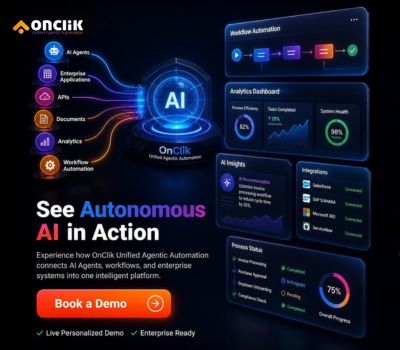
Book a personalized demo and watch OnClik orchestrate a real process, using your systems, your data, your goals.